Creating a home office space that is both cozy and productive can significantly enhance your work-from-home experience. A well-designed workspace not only helps maintain focus but also keeps you comfortable and motivated throughout the day. Whether you have a dedicated room or just a corner to work in, these tips will guide you in setting up a home office that suits your needs and style.
Choose the Right Location
Find a Quiet, Low-Traffic Area
Select a spot in your home that is as free from distractions as possible. Ideally, this should be a quiet corner or a spare room where household noise is minimal. If space is limited, consider using noise-cancelling headphones or white noise machines to maintain focus.
Make Use of Natural Light
Natural light can boost mood and productivity. Position your desk near a window to make the most of daylight. If natural light is limited, choose bright, full-spectrum lighting to avoid eye strain and fatigue.
Invest in Comfortable Furniture
Select an Ergonomic Chair
Comfortable seating is crucial since you’ll likely spend several hours sitting. Invest in an ergonomic chair that supports your posture and reduces risk of back pain.
Choose a Functional Desk
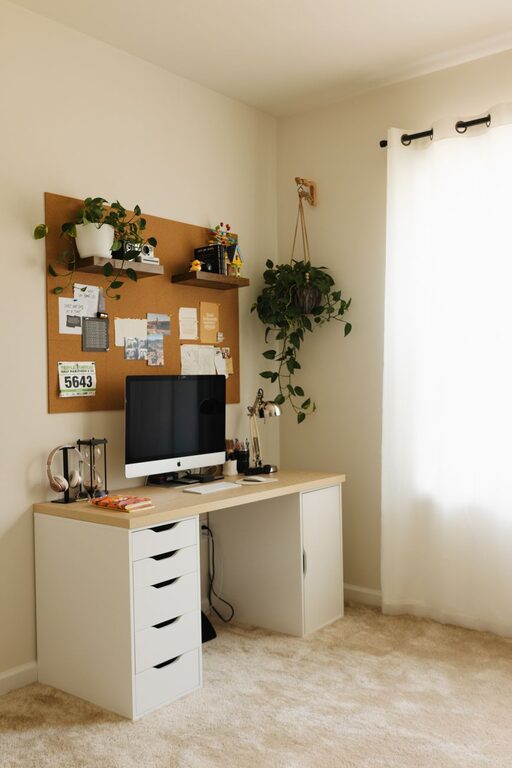
Pick a desk that fits your space and work habits. Whether it’s a standing desk or a traditional table, ensure it has enough surface area for your computer, documents, and other essentials.
Organize Efficiently
Use Storage Solutions
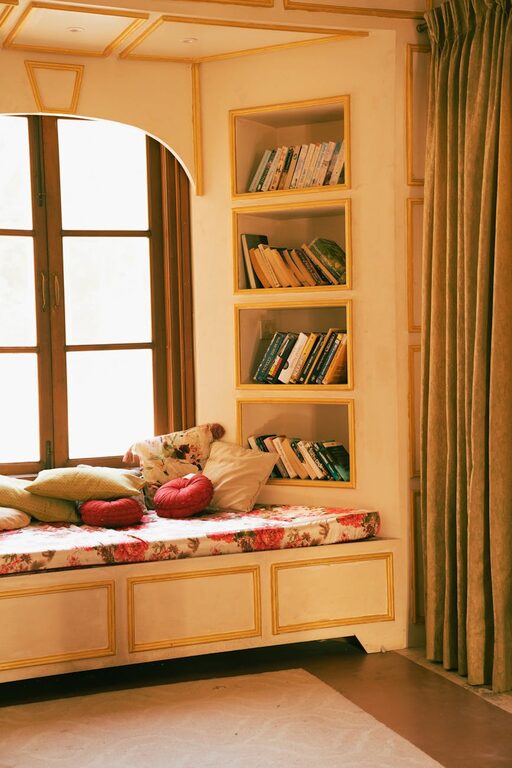
Keep your workspace tidy by using storage options like shelves, drawers, and desk organizers. Clutter can reduce focus and increase stress, so create a system that keeps important items accessible but out of sight.
Cable Management
Messy cables can make your space feel chaotic. Use cable clips, sleeves, or under-desk trays to organize electrical cords and keep your desk neat.
Personalize Your Space
Add Cozy Textiles
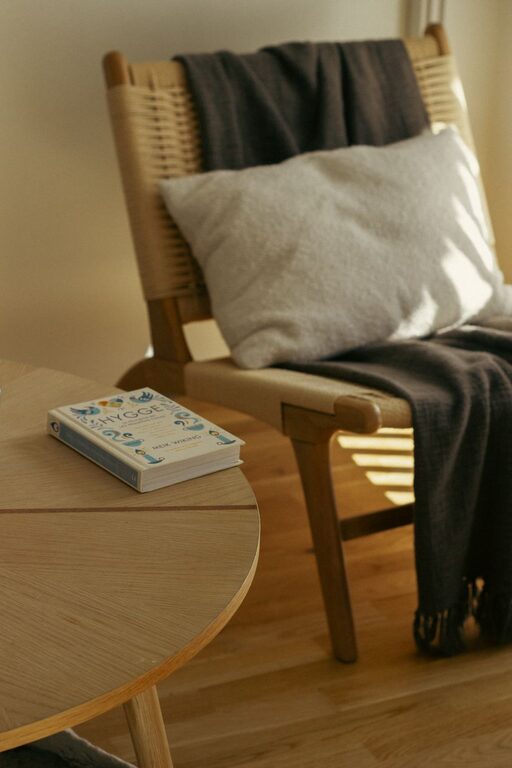
Incorporate soft elements such as a cozy rug, cushions, or an adjustable throw blanket. These touches make your office feel welcoming and comfortable.
Decorate with Plants
Plants not only add a pop of color but can improve air quality and reduce stress. Select low-maintenance varieties such as succulents or pothos to brighten your workspace.
Maintain a Productive Environment
Set Boundaries
Establish clear work hours and communicate these with household members to minimize interruptions. Having a routine helps your brain switch into work mode.
Minimize Digital Distractions
Use apps or browser extensions to block distracting websites during work hours. Turn off non-essential notifications to maintain focus.
Optimize Lighting and Temperature
Use Layered Lighting
Combine ambient, task, and accent lighting to create a balanced environment. A desk lamp with adjustable brightness can reduce eye strain during focused work.
Control Temperature Comfortably
Keep the temperature in your workspace comfortable. Use fans, heaters, or open windows as needed to maintain a pleasant climate that helps you stay alert.
Encourage Movement and Breaks
Designate Stretch Zones
If space allows, create a small area to stretch or do light exercises during breaks. Moving regularly can increase energy and improve concentration.
Schedule Breaks
Use techniques like the Pomodoro method—working for focused intervals followed by short breaks—to maintain productivity without fatigue.
Keep Technology Up to Date
Reliable Internet Connection
Ensure you have a fast and stable internet connection to support video calls and online collaboration seamlessly.
Use Quality Accessories
Invest in a good keyboard, mouse, and headphones that are comfortable for extended use. Clear audio and easy typing contribute to smoother workflows.
—
By combining comfort, organization, and productivity in your home office design, you can create a workspace that supports successful, enjoyable workdays. Personalizing the space to your preferences while maintaining clear boundaries between work and home life helps foster balance and well-being. Remember, small changes can make a big difference in how you feel and perform each day.